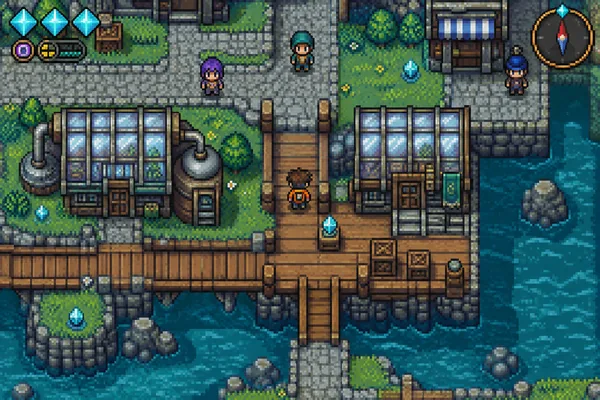
Find your visual style
These are the actual GBA Play theme cards. Each style changes the control artwork; selecting one does not change the game file or add game content.
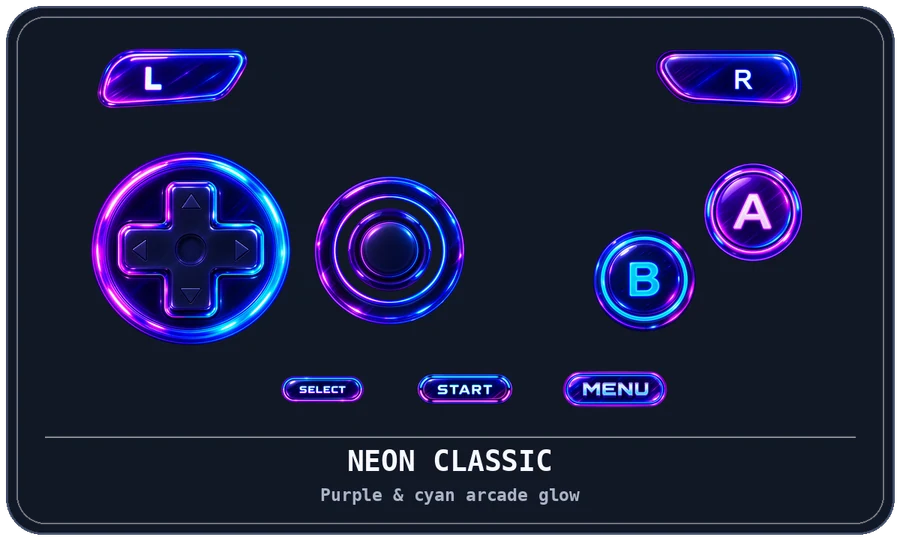
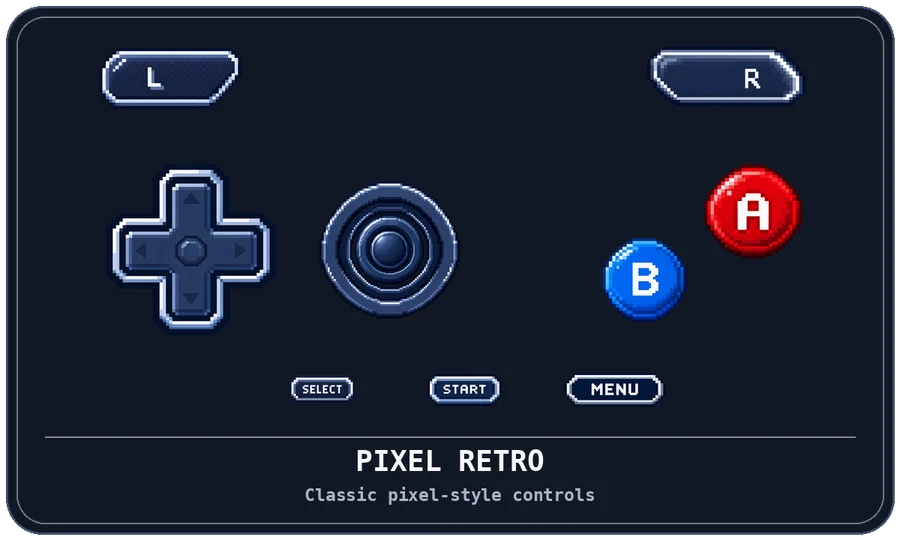
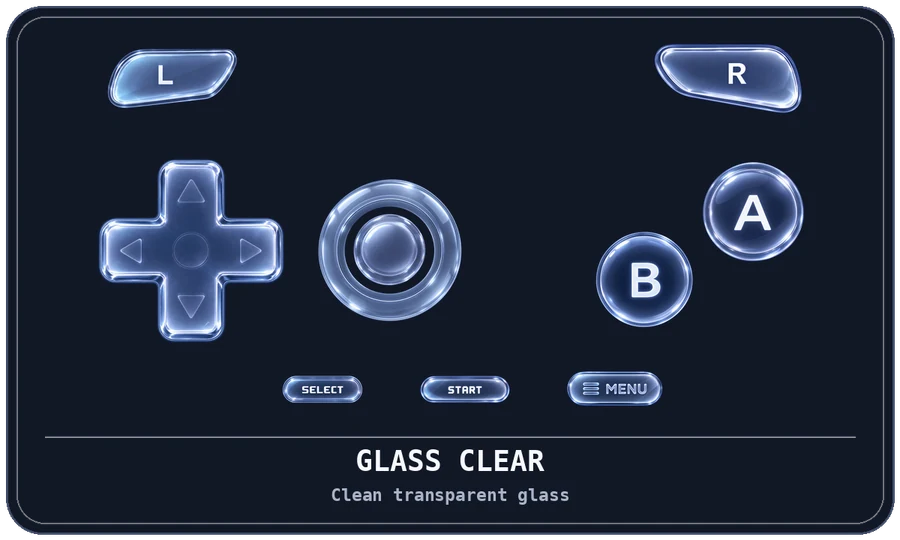
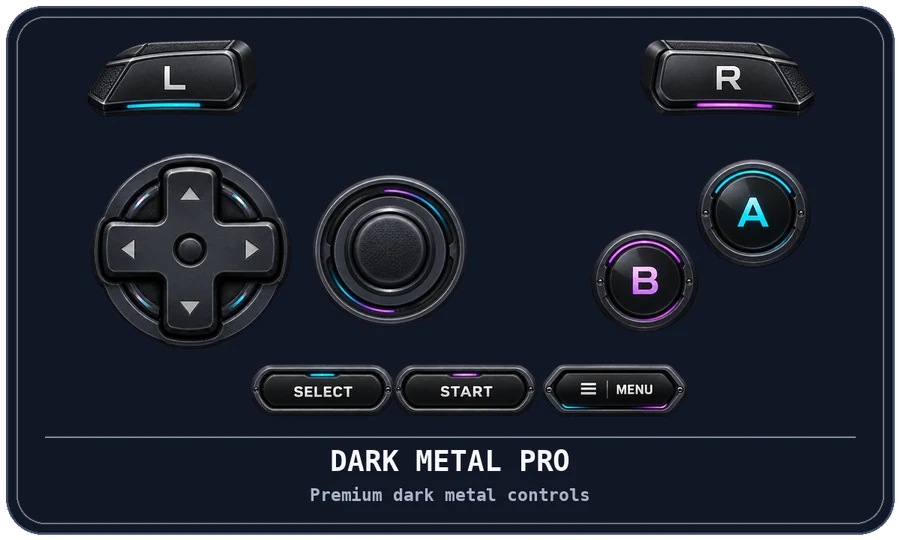
Apply a different theme
- Open Settings → Controls → Control Themes
The same picker is also available from the Settings hub and the in-game Control Theme menu entry.
- Choose the style you want
The current selection is marked Selected. For another style, use Watch Ad & Apply.
- Complete the rewarded-ad flow
The theme is applied after the reward is earned. Closing an ad before earning its reward does not apply the change. If an ad cannot load, try again later.
One default, with room for exceptions
The selected theme stays active until you change it. A rewarded change applies the chosen theme; it does not permanently unlock every theme.
A game’s own settings can override the global theme. If one game looks different after a global change, check that game’s theme setting. Touch control type, layout, size, and opacity are separate preferences; choose them for comfort alongside the artwork.
The cards are fixed artwork previews, so they do not mirror every layout or D-Pad/analog preference you have selected.
 YOUR GAME. YOUR CONTROLS.